
Pixel-perfect capture
Area, window or full screen at native Retina resolution, with a 5× loupe, live dimensions and multi-display support.
 Klip
Download
Native for macOS
Klip lives in your menu bar and turns a keystroke into a polished screenshot, an annotated explainer, a screen recording or a GIF. Fast, private, and built entirely on Apple's own frameworks.
Everything in one place
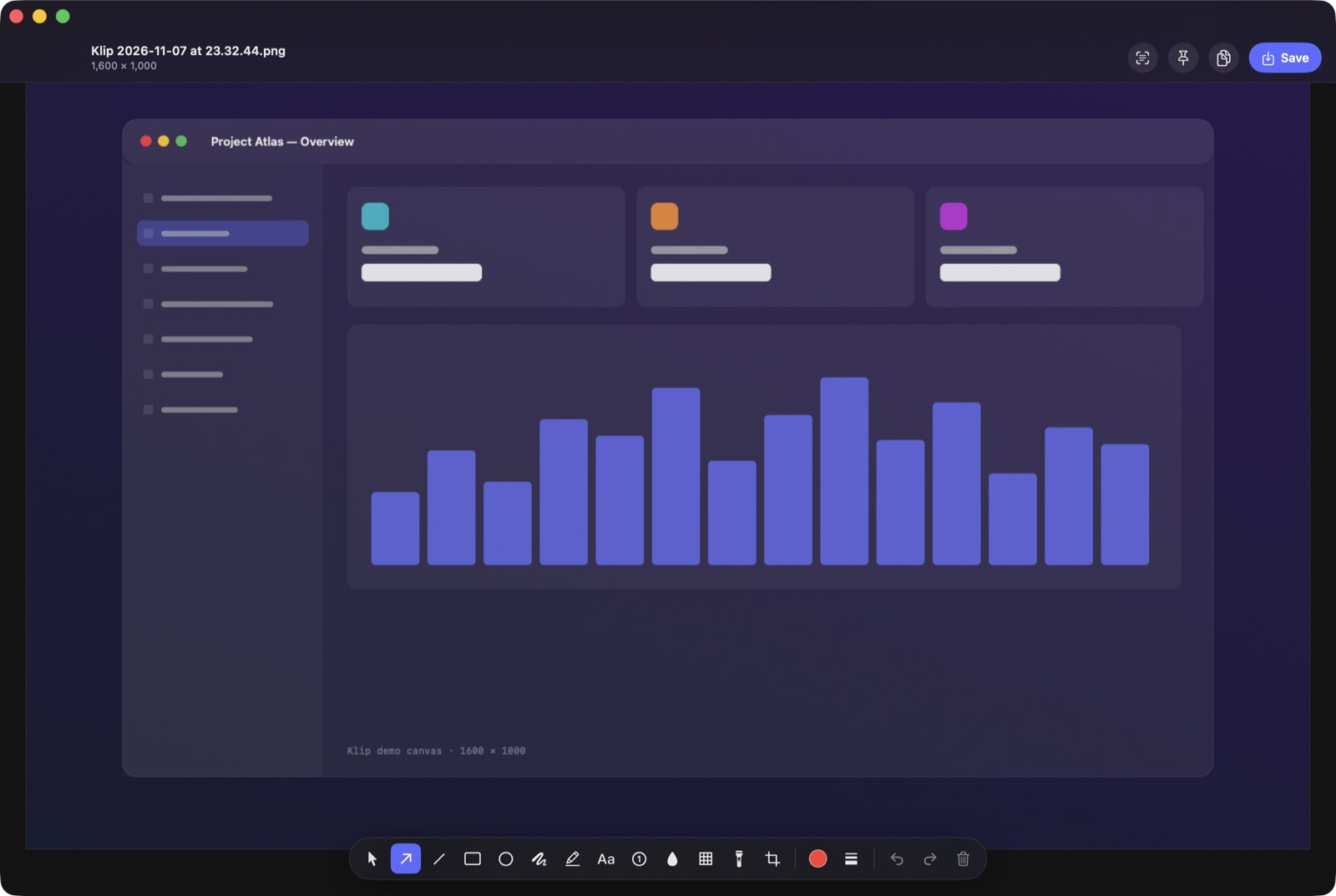
Capture, mark up, record and share without leaving the keyboard. Every tool is one shortcut or one click from the menu bar.
Area, window or full screen at native Retina resolution, with a 5× loupe, live dimensions and multi-display support.
Arrows, shapes, text, numbered steps, highlighter, blur, pixelate and spotlight, with full undo.
Drop any shot onto a gradient backdrop with padding, rounded corners and a soft shadow, ready to post.
Smooth H.264 or HEVC video with system audio, your microphone, and highlighted cursor clicks.
Record, then get an optimized looping GIF for docs, tickets and chat, no extra tool needed.
Scroll a long page while Klip watches, then it stitches the frames into one tall image.
On-device text recognition pulls text out of any part of the screen, straight to your clipboard.
Every capture lands in a floating tray. Pin it above your work, drag it into any app, or save it.
Every capture is kept and searchable, including the text inside your screenshots.
Keyboard first
Nine global shortcuts, all rebindable. Klip stays out of the way until you need it.
Built properly
SwiftUI, AppKit and ScreenCaptureKit. No Electron, no web views, no bundled runtimes.
Only what changed gets redrawn, so selections and annotations stay smooth on 6K displays.
No account and no tracking. Text recognition runs on-device, and uploads go only where you point them.